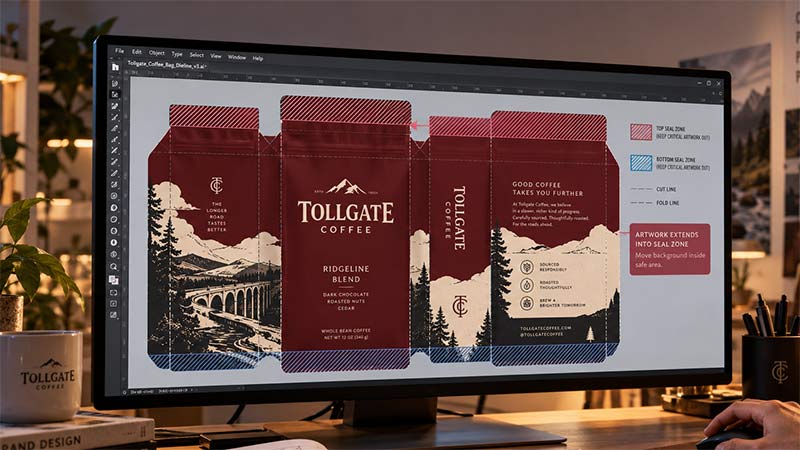
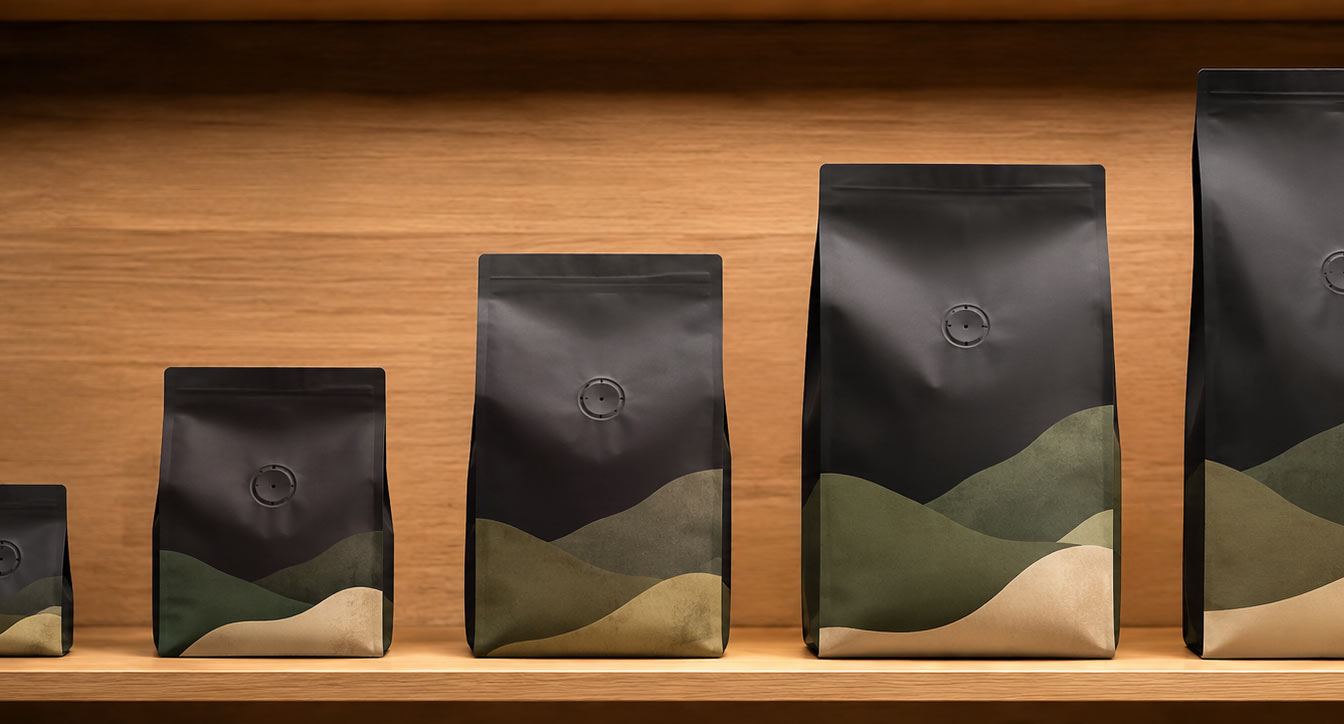
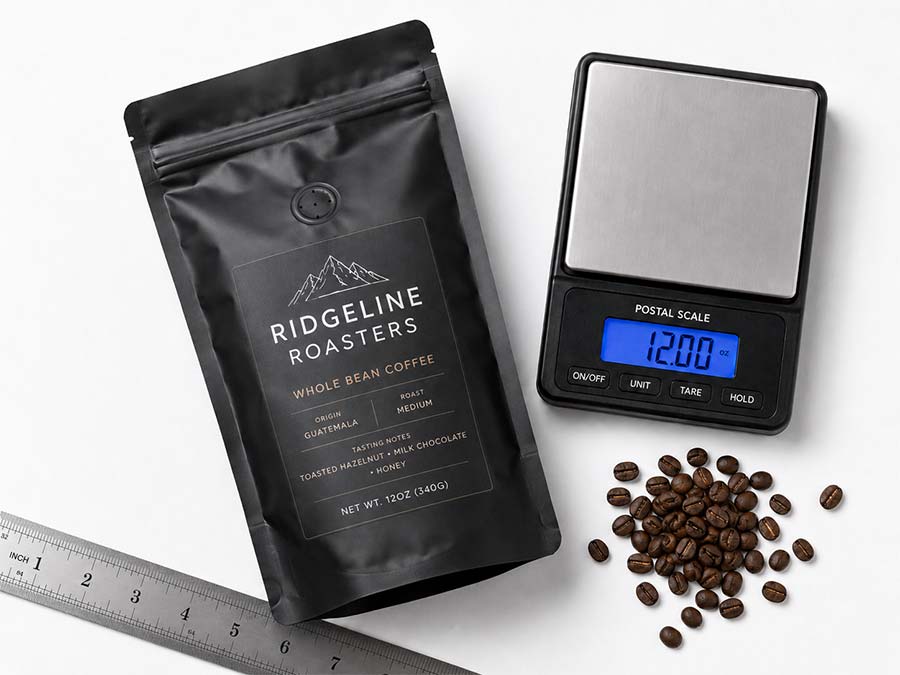
The File That Worked Perfectly Last Time
You launched on a 12 oz bag. The artwork is excellent, the proof was approved without a single revision, and it has been selling for a year. Now wholesale wants a 5 lb bag, so you send the same file and ask for it in the bigger size.
What comes back is not what you expected. The logo sits too low. Type that looked balanced is now floating in empty space. Part of the design has wandered onto the gusset where nobody will see it. Somebody asks whether prepress made a mistake.
Prepress did exactly what was asked. The file was scaled to the new size faithfully. The problem is that a bag is not a rectangle, and scaling one is not the same as scaling a picture of one.
A Bag Is Not a Shape That Grows Evenly
When you enlarge a photograph, every part of it grows by the same percentage. Bags do not work that way, and that single difference causes most of what goes wrong.
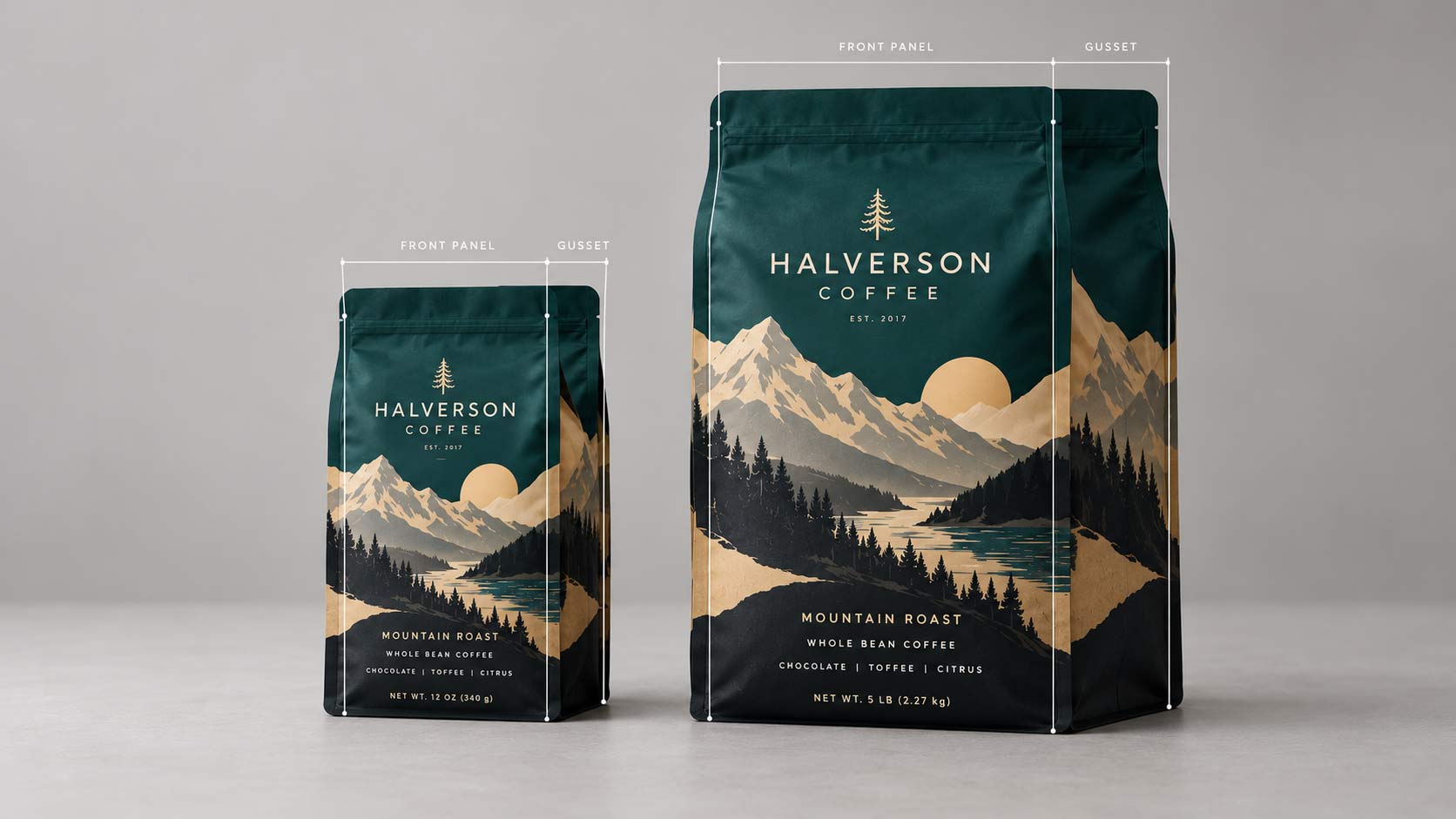
Move from a small bag to a large one and the panels change their relationship to each other. The gusset usually gets deeper by a different proportion than the front panel gets wider. The front panel's aspect ratio shifts, so a layout that was comfortably square becomes tall and narrow or short and wide. Meanwhile several things on the bag do not scale at all, because they are physical requirements rather than design elements.
That is the heart of it. Part of the bag scales, part of it does not, and your artwork was built on top of a specific arrangement of both.
What Does Not Scale With the Bag
These stay roughly the same size whatever bag they are on, which means they eat a larger share of a small bag and a smaller share of a large one.
- Seal allowances. The sealed bands at the top and bottom are a function of the sealing equipment, not of the bag's size.
- The valve. A degassing valve is a physical component with one size, placed where the machine can apply it.
- The zipper. Closure tape has a fixed width and sits at a fixed distance from the top.
- The tear notch. Its position is driven by the zipper and the seal, not by proportion.
- The barcode. It has a minimum size below which scanners stop reading it reliably, so it cannot shrink to stay proportional.
- Required text. Net weight and other mandatory copy have minimum legible sizes that do not care how big the bag is.
Scale a design up and all of these become proportionally smaller, leaving gaps the layout never anticipated. Scale it down and they become proportionally larger, crowding out the design.
Artwork Shrinks Well and Grows Badly
There is a second rule running alongside the first, and it is the one that decides which direction you should be working in.
Artwork made of vectors, meaning logos, type and drawn shapes, has no fixed resolution. It can be rendered at any size and stays perfectly sharp. Artwork made of pixels, meaning photographs, scanned textures and anything flattened from an image editor, has a fixed amount of detail baked in when it is created, and enlarging it cannot invent detail that was never captured.
That asymmetry matters enormously here. A photograph that is comfortably sharp across a 12 oz front panel has roughly half the effective resolution when stretched across a panel twice as wide. Nothing has gone wrong, there simply is not enough information in the file, and no amount of prepress skill creates it. The image goes soft, edges blur, and fine texture turns to mush.
Going the other direction is safe for resolution and risky for legibility. Shrink a design and every image gets sharper, but small type gets smaller, hairline rules can fall below what the press can hold, and detail that read clearly at 5 lb can disappear at 4 oz. Downsizing needs a review. Upsizing needs new assets.
So Design the Biggest Bag First
This is the practical rule that falls out of everything above, and it costs nothing if you do it at the start.
Build your artwork for the largest bag in the range, at full resolution, and derive the smaller sizes from it. Going down, your photography is already more than sharp enough and your only job is checking that type and detail still read. Going up, you are stuck, because the original never contained the detail the bigger panel needs.
If the large size is only a maybe, design for it anyway. Supplying photography at a higher resolution than today's bag requires costs nothing at the time and saves a reshoot later. It is the cheapest decision in this entire process and it gets made before anyone opens a design file.
What Has to Be Redrawn Rather Than Resized
Some elements need a real decision at each size, not a percentage.
- The layout itself, rebuilt on the actual dieline for that size rather than stretched from another one.
- Type sizes, chosen for legibility at each size rather than scaled with the bag.
- Logo placement relative to the gusset fold, since the fold moves.
- The barcode, placed and sized to its own rules, which we covered in the barcode posts.
- Anything near a seal. Seal zones shift, and artwork that cleared them on one size may not on another, which is the subject of ink does not weld.
None of this is a lot of work. It is an hour per size with the right dieline in front of you, and it is the difference between a family of bags that look related and a set that look like near misses.
Why It Reads as a Prepress Mistake
The confusion is understandable, because the evidence looks damning.
The file was correct. It produced a perfect bag once already, which seems to prove the artwork is fine. Nothing was changed except the size, and changing the size is the one thing everybody assumes is trivial. So when the result is wrong, the natural conclusion is that somebody mishandled it on the way through.
What actually happened is that the design was never a design for a bag in the abstract. It was a design for one specific bag, with that bag's panel proportions and that bag's fixed components. Moved onto a different geometry, it is a layout looking for a shape it no longer has.
Wrapping It Up: One File per Size, One Family per Brand
The goal is not identical artwork across your range. It is artwork that reads as the same brand at every size, which is a different and more achievable thing.
Start at the largest bag so your photography has room to shrink rather than stretch. Rebuild each size on its own dieline instead of scaling the last one. Treat seals, valves, zippers, barcodes and required text as fixed furniture that the design works around rather than elements that move with it. And look at the whole range together before approving any of it, because the thing customers actually notice is whether your 12 oz and your 5 lb look like they came from the same company.
If you are planning more than one size,
ask for the dielines for the whole range at once rather than one at a time. Designing against all of them together is far easier than discovering the differences one order at a time. Our guides to
choosing bag sizes and
fill testing cover how to decide what those sizes should be, and
approved flat, printed on a curve covers what happens to any of them once the bag is full.